3D printing from your designs
Send us an STL or 3MF file on WhatsApp. We print the part, then you pick it up or have it delivered.
Message us on WhatsAppHow it works
Online quotes open soon.
How it works
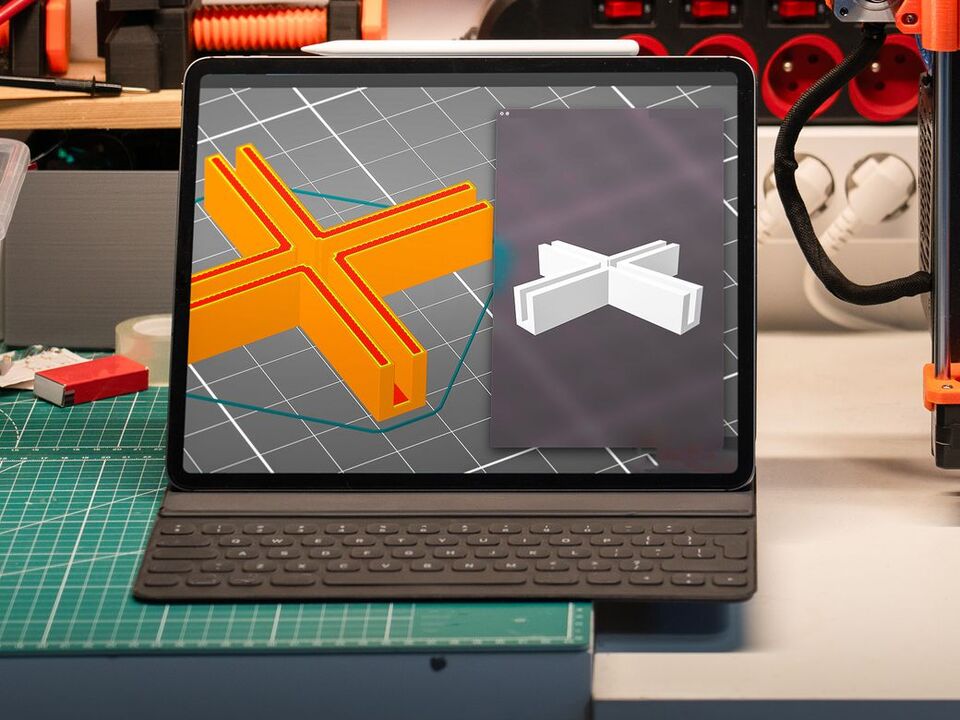
Send your file
Message us your STL or 3MF file on WhatsApp. We reply with the price and how long it takes to print.
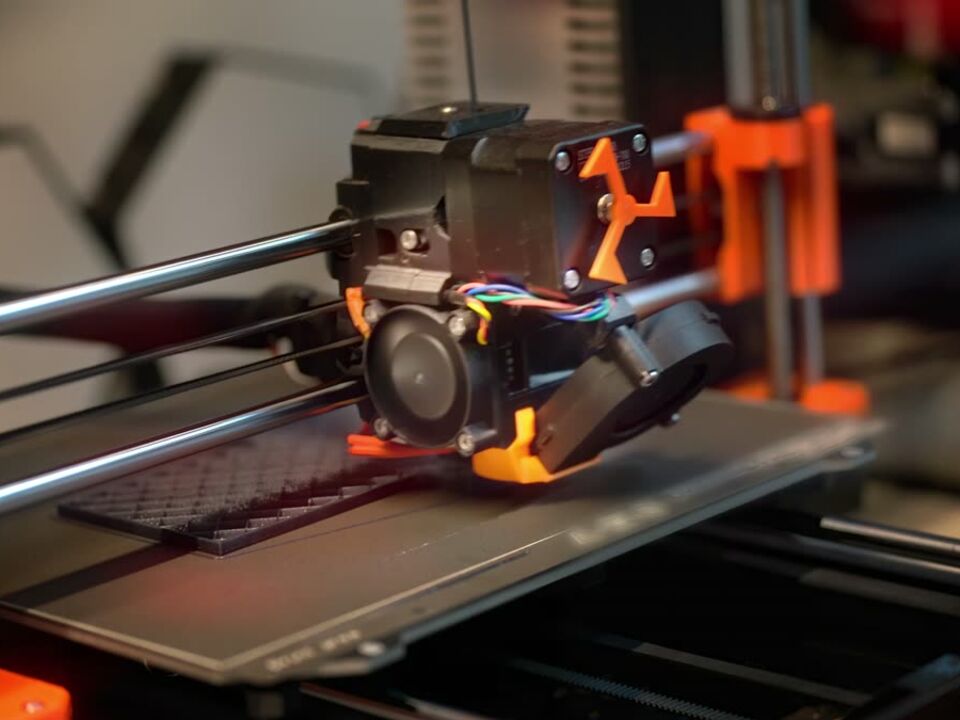
We print
Once you say yes, we print your part.
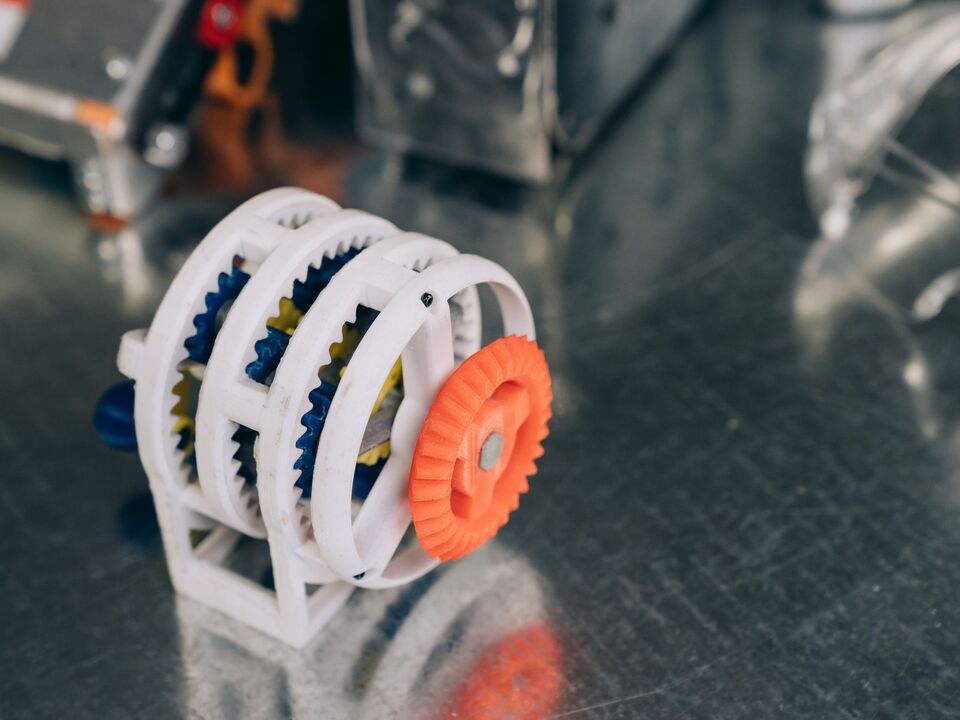
Collect
Pick it up from us, or have it delivered.
Message us on WhatsAppOnline quotes open soon.
What we print
- Process
- FDM: melted plastic, built up one thin layer at a time.
- Material
- We confirm it with your price.
- Largest part
- 256 × 256 × 256 mm. Split bigger parts in your CAD program.
- Files
- STL or 3MF.
- Copies
- Up to 50 of each part. For more, message us.
- Quality
- Draft, Standard or Fine. Finer layers look smoother and take longer.
- Finishing
- We remove supports where we can. No sanding or painting.
What you can count on
Our mistake, our cost
If a print fails through our fault, we print it again free.
Your design stays yours
We use your file only to quote and print it, and delete it within 30 days.
Before you send a file
Which file do I need?
An STL or 3MF. Most CAD programs export one. Look for Export or Save as, then choose STL or 3MF.
My part is bigger than 256 mm.
Split it into pieces that fit in your CAD program, and join them after printing. Not sure how? Message us.
How long will it take?
We tell you how long your part takes to print when we send the price.
Can you design my part?
No, we print your file as you send it. If the file has a problem, we offer to help you fix it.
New to 3D printing? Four words worth knowing
STL and 3MF
The file types most CAD programs export for 3D printing. Both describe the shape of your part; 3MF can also hold colours and several parts in one file.
Layer
A printer builds a part one thin slice at a time, from the bottom up. Thinner layers look smoother and take longer.
Infill
The inside of a printed part is a light grid, which keeps it strong and saves material.
Supports
Parts that hang over empty space need temporary props while printing. We remove them where we can.